

Dispatch CAD
Run dispatch live
Create a call, assign units, and follow the scene.
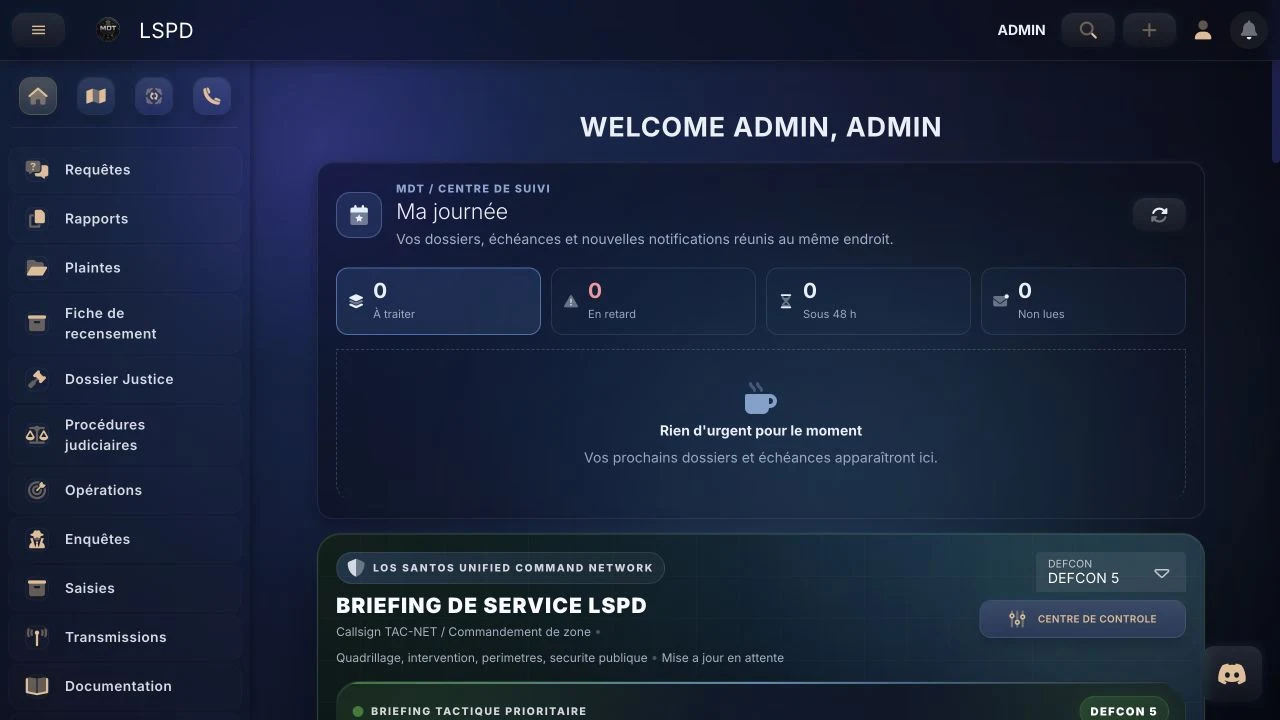
GTA RPMDT CADFiveM
Support, announcements, and social proof: show your MDT is active, reliable, and ready for serious GTA RP communities.
What prospects see
Dispatch
Real-time
CAD records
Centralized
FiveM
Compatible
Role
Support
before / after purchase
Proof
Social
activity & feedback
Entry
Demo
instant CTA
Why RP servers choose it
Discord community
Create trust with admins and staff looking for a reliable MDT before scheduling a demo.
The VAUNTCORP MDT Discord centralizes pre-sale questions, product announcements, and demo requests.
Clear answers for admins and staff before and after the demo.
Updates, fixes, and roadmap changes shared in real time.
Practical examples from communities using the MDT daily.
Show the features that matter most for your team.
MDT community and support
The Discord is the direct contact point for GTA RP server owners evaluating the MDT. Use it to ask technical and functional questions, request a guided demo and follow product updates before involving your full staff team.
Explain your server structure, services and permission model to get a more relevant answer than a generic sales page.
Check common questions →Review dispatch, reports, records and live map features, then reproduce one of your real staff workflows during the demo.
Explore MDT features →Compare plans and included support before discussing the choice with founders, developers and department leads.
Compare pricing →Feature demos
Use 1-2 key videos to trigger demo requests from Discord.
Create a call, assign units, and follow the scene.
Locate positions and share field information.
Take the next step
Open the demo with your staff and see immediately if it fits your server.